about-2

PDF To PPT

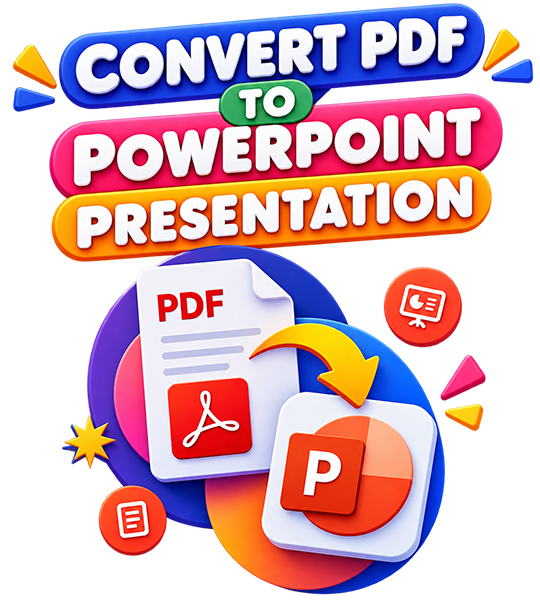
PDF To PPT, One-click quick conversion

Turn static PDF into editable PPT effortlessly

icon-01

Upload the target PDF document you need to convert.

icon-02

Start conversion instantly, then download the finished editable PPT file.

ALL TOOLS

OCONVERTPDF

Upload your source PDF file;

Start the conversion process;

Download the converted PPT file.

Check & adjust conversion parameters;

Upload your PDF document;

Start conversion.

Configure all conversion parameters;

Upload your source PDF file;

Launch the conversion task.

Understand and adjust parameter;

Upload your image file;

Start conversion;

Download the generated PDF.

Upload your PPT file;

Click to upload,Drag-and-drop upload

Initiate the conversion task;

Download the converted PDF file.

Customize advanced conversion;

Upload your source eBook file;

Start conversion;

Download the finished PDF.

No Installation

Safe; Secure

Express Transform

AI conversion

OCONVERTPDF

One-click AI auto-processing
pimg

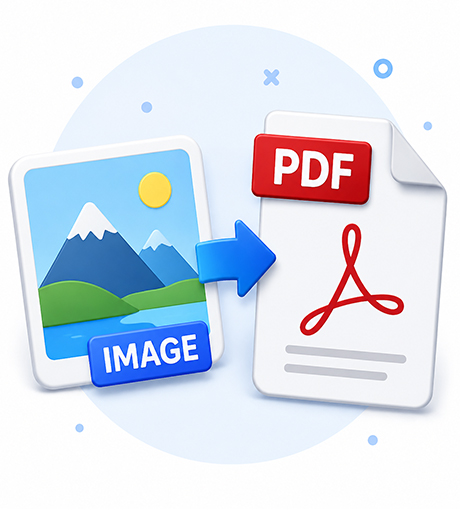
Image To PDF

Easily convert screenshots, scanned files and photos into standard PDFs online. Customize layout, color mode and auto rotation freely.

pimg

PPT To PDF

Convert PPT to PDF perfectly with original layout intact. Web-based, secure and fast for easy office sharing and filing..

pimg

eBook To PDF

Convert various eBooks into standard PDF seamlessly with original layout preserved, secure online conversion for convenient reading and archiving.

pimg

PDF To Video

Turn PDF documents into smooth presentation videos with original layout kept, fast online conversion for easy sharing and playback.

pimg

PDF To Image

Convert PDF pages into high-definition images in batches with original quality intact, safe online conversion for easy saving and use.

faq-img

FAQS

Top Questions For Us Users

01. What conversion formats are supported on your platform?

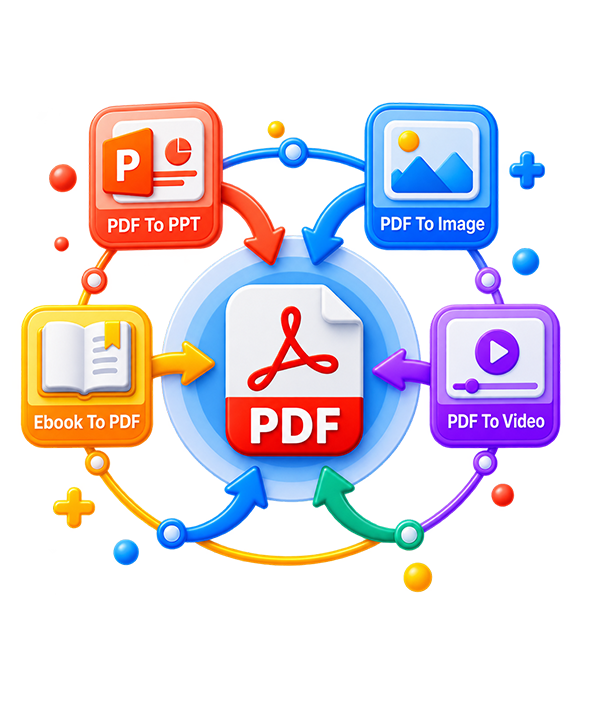
Our mainstream conversion functions cover these core tools: PDF to PPT,PDF to Image,PDF to Video,Image to PDF,PPT to PDF,Ebook to PDF

02. Can I choose to split one PDF page into one independent PPT slide?

Yes. You can set the split rule: one PDF page corresponds to one PPT slide in the conversion settings.

03. Which image formats can I export when converting PDF to images?

Output options include JPG, PNG. You are allowed to customize resolution from standard definition up to high DPI for printing.

04. How does PDF convert into a video file?

The tool turns each PDF page into video frames automatically.

05. Multiple pictures can be merged into one single PDF file?

Yes. Upload multiple JPG/PNG pictures, adjust sorting order, page size and margins, then combine them into one unified PDF with one click.